ESP: Player and World Features
ESP provides player information, resource markers and world overlays. Review the listed targeting controls, access plans and Windows requirements alongside these visual features.
At a glance
Key capabilities
What Rust Cheats focuses on before you open the full module list.
Overview
ESP feature overview
Combat controls, awareness overlays, and configuration options in the RUST catalog.
Rust Cheats for Windows PC includes aimbot FOV and smoothing controls, player ESP, resource markers, hidden stashes, trap and vehicle overlays, weapon options, and configurable visual settings.
The reference lists one Rust package with monthly and lifetime access. These durations are plans for the same product rather than different feature tiers.
Rust ESP: players, resources and world entities
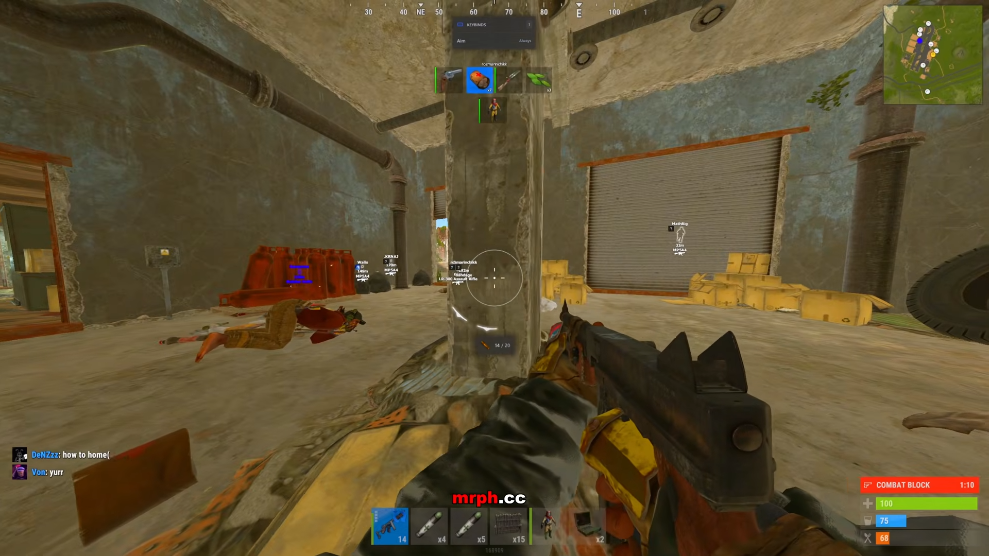
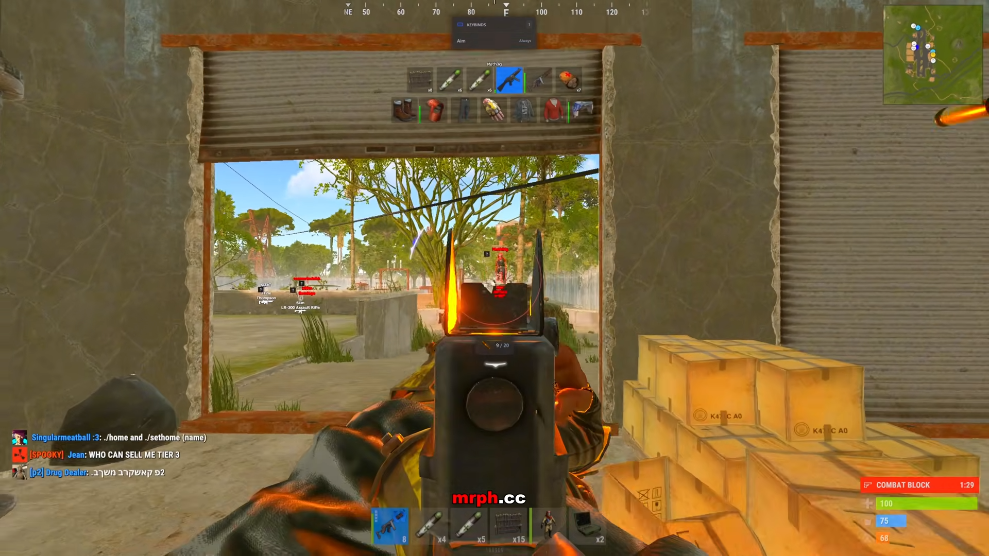
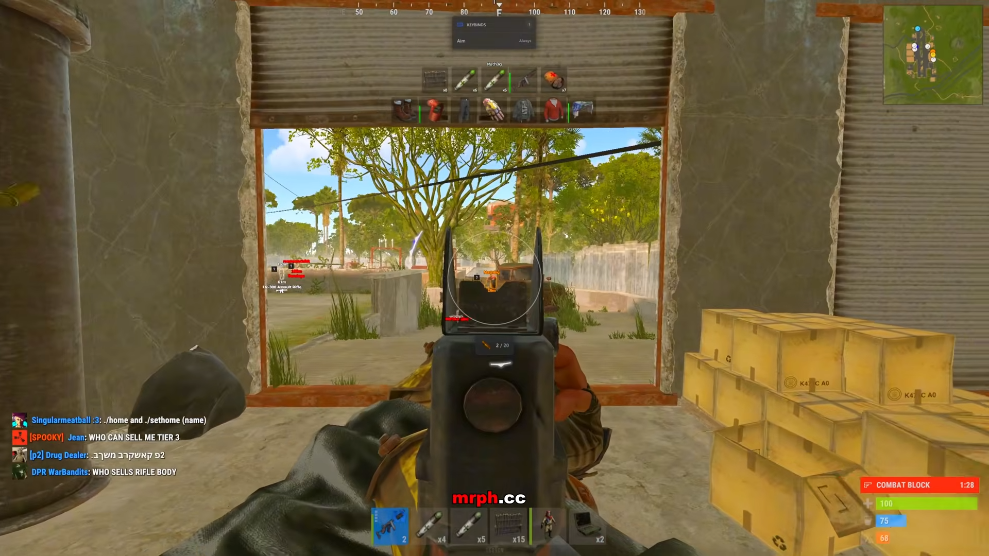
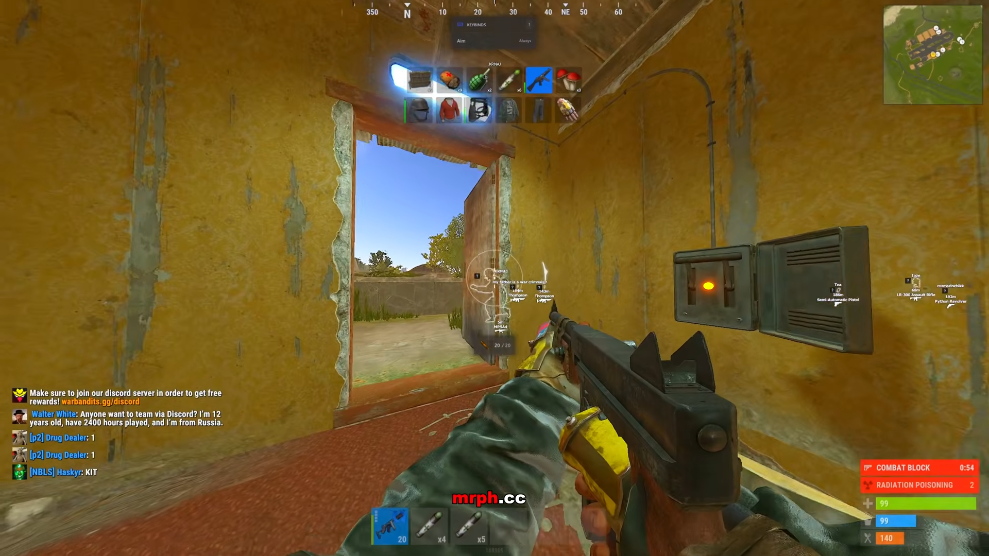
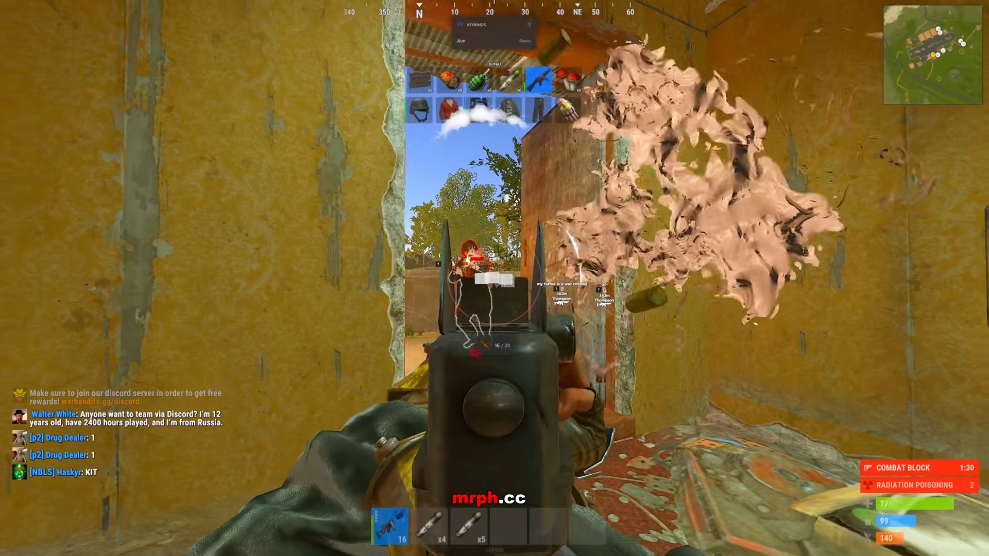
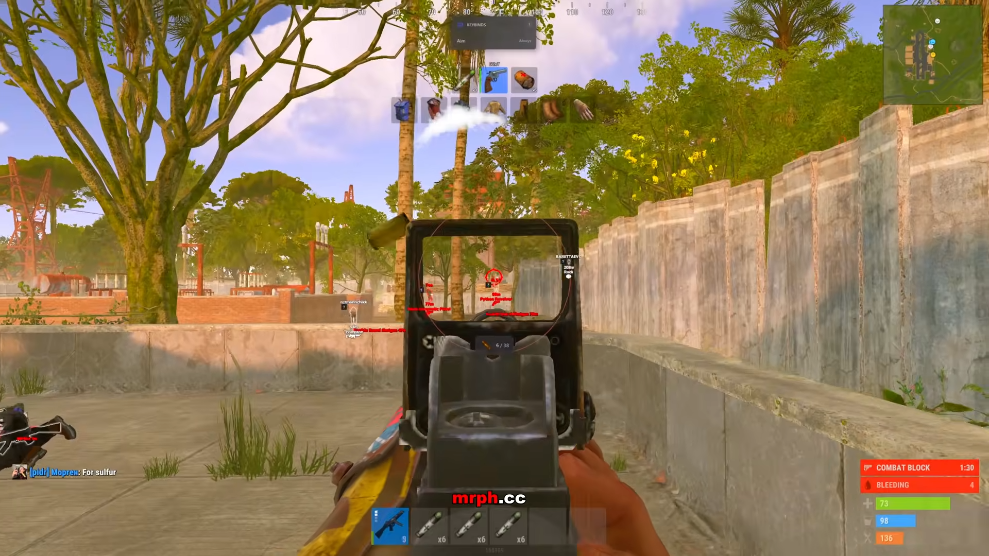
Player information includes boxes, skeletons, names, health and held equipment. Separate world filters cover scientists, animals, ore nodes, collectables, hidden stashes, tool cupboards, traps, vehicles and dropped items.
Rust aimbot and weapon controls
The aimbot group lists FOV, smoothing, aim bone and activation key settings. Weapon controls are a separate group and include recoil axes, sway, spread, bow and Eoka options.
Monthly and lifetime plans
Monthly access is listed at $35 and lifetime at $150. Review the final checkout terms and current availability before buying. No plan guarantees protection from bans.
Modules
What's included
Every module and overlay shipped with Rust Cheats—toggle and tune in the operator portal.
- Aimbot toggle
- Adjustable FOV and FOV circle
- Smoothing slider
- Custom aim bone
- Custom aim key
- Box and skeleton ESP
- Name and health ESP
- Held item and weapon ESP
- Player and team colors
- Scientist ESP and distance controls
- Sulfur, metal and stone ore ESP
- Wood, berries, hemp and food markers
- Animal ESP with color and distance filters
- Bear, polar bear, wolf, horse, boar and chicken markers
- Hidden stashes and tool cupboards
- Dropped items and weapons-only filter
- Shotgun traps, auto turrets and flame turrets
- Land mines, snap traps and SAM sites
- Vehicle markers and distance slider
- Recoil yaw and pitch controls
- No sway, no spread and no bob
- Instant Eoka, compound and bow options
- Melee and peek options
- Automatic fire and reload options
- Bright night and fullbright
- Zoom and FOV changer
- Movement and climb controls
- Font, icon, box and skeleton sizing
- Update and renderer FPS sliders
Experience
In the client · After you buy
Use the screenshots above for Rust Cheats—below is what each layer means and how access works after checkout.
In-game layers
- Layer A
Rust Cheats
Rust product features
Guides
Learn more about Rust Cheats
Curated articles for setup, tuning, and patch-day checks that match this product.
Compare Rust cheats by feature group: aimbot, player ESP, resources, stashes and weapon options.
Understand Rust aimbot FOV, smoothing and aim bones, plus player ESP boxes, skeletons and filters.
Explore Rust wallhack terminology, ore ESP, stash markers, traps, animals and vehicles.
Review Windows support, security settings and the Cloud DMA requirement before choosing Rust access.
Compare the listed $35 monthly and $150 lifetime Rust access plans.
Understand Rust patch compatibility, overlay capture checks and the information support needs.
RUST FAQ
Rust Cheats FAQ
Rust aimbot, ESP, plans and PC requirements.